In This Article
- 1. You Copy and Paste Between Systems Every Day
- 2. Orders Sit Waiting on One Person
- 3. Your Spreadsheets Have Version Numbers
- 4. You Find Out About Errors From Customers
- 5. Month-End Takes Days
- 6. You're Hiring to Keep Up With Admin
- 7. One Person Holds Everything Together
- 8. Your Reports Are Always Out of Date
- 9. Approvals Disappear Into Inboxes
- 10. Your Team Does Work Software Should Do
- What to Do Next
- Which Tools Can Do This?
Nobody plans to end up buried in admin. It builds gradually. A spreadsheet here, a checklist there, a weekly routine someone has to remember to run, and one day you realise half the working week is going on tasks that have nothing to do with winning customers or improving what you sell.
The hard part is knowing when the juggling stops being normal growing pains and becomes a genuine constraint. Automate too early and you're building systems around processes that still change every month. Leave it too late and you're paying salaries for work that amounts to moving data between screens. If you're hazy on what business automation actually covers, it's worth reading our plain-English guide to business process automation first.
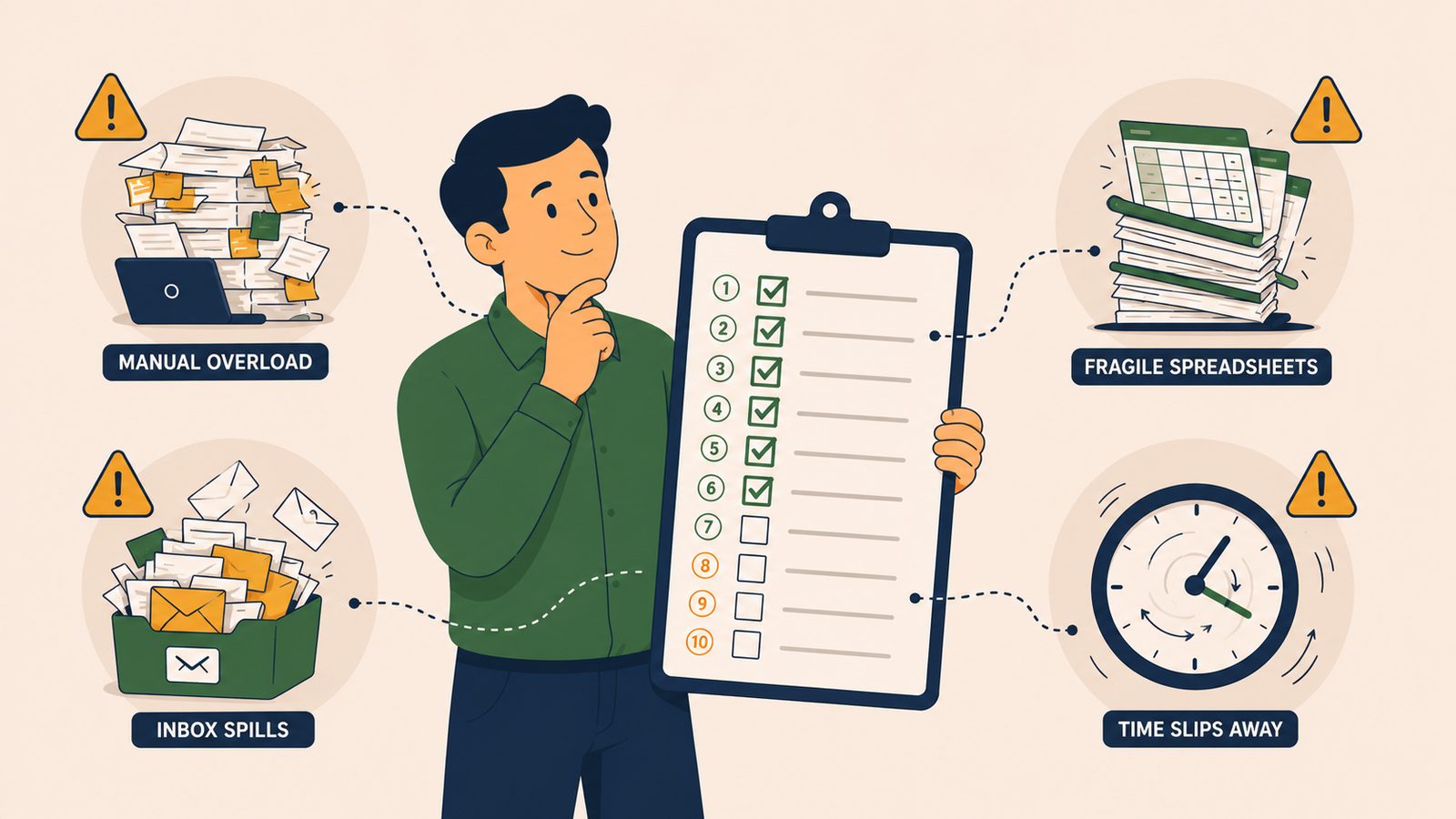
Here are ten signs a business is genuinely ready for automation. You don't need all ten. If three or four feel uncomfortably familiar, the case is already made.
1.You Copy and Paste Between Systems Every Day
An order arrives in one platform. Someone copies the details into the accounting software, then the courier portal, then a spreadsheet for reporting. Same information, entered three or four times, every day.
This is the clearest signal there is. Moving data from A to B is precisely what integration was built for, and it's usually the cheapest thing to fix. If a task can be described as "take this from here and put it there", software will do it faster than any person, and it won't transpose two digits in an order number on a busy Friday afternoon.
2.Orders Sit Waiting on One Person
Work arrives steadily all day, but nothing moves until a specific person gets to it. Orders queue up while they're in a meeting. Dispatch slips because they were off sick on Tuesday. Customers wait not because the work is hard, but because it's funnelled through a single pair of hands.
If the person in the middle is mostly checking details and passing things along rather than making judgement calls, that step is a process pretending to be a job. Route the routine cases automatically and keep the person for the exceptions that genuinely need them.
3.Your Spreadsheets Have Version Numbers
Somewhere on a shared drive sits "Stock_Master_v7_FINAL_use_this_one.xlsx", and at least two people are quietly using v6. Every version fork is a decision waiting to be made on stale numbers.
Multiplying spreadsheet versions means your business has outgrown the tool. The data matters enough that several people need it, but there's no single source of truth, so everyone maintains their own copy. Automation fixes the underlying problem: one system holds the live data, and everything else reads from it instead of photocopying it.
4.You Find Out About Errors From Customers
A customer emails to say they were invoiced twice, or the parcel went to their old address, or the price on the confirmation doesn't match the website. The mistake happened days ago. The customer found it before you did.
Manual processes fail silently. A mistyped field doesn't announce itself; it just sits there until it reaches someone outside the business. Automated processes can be checked as they run, with anything unusual flagged the moment it happens rather than the moment it embarrasses you. When your quality control is effectively outsourced to your customers, the process is overdue for replacement.
5.Month-End Takes Days
Closing the month means chasing figures from three systems, reconciling them in a spreadsheet, finding the discrepancies, chasing the explanations, and finally producing numbers everyone stopped waiting for. What should be a morning's work swallows most of a week.
The irony is that month-end is one of the most automatable routines in any business. The steps are the same every time, the data sources are known, and the rules are fixed. If your finance routine runs on memory and manual exports, the days it consumes each month are a standing invoice you've been paying without questioning it.
6.You're Hiring to Keep Up With Admin
Look at the last role you added, or the next one you're planning. Is it there to grow the business, or to absorb the paperwork the current volume generates?
Hiring because sales are growing is healthy. Hiring because the admin per order never shrinks is a treadmill: every step up in revenue drags a step up in headcount, and margins stay flat while complexity rises. Businesses that automate the routine work break that link. Volume grows, the systems absorb it, and the people you do hire go into roles that actually move the business forward.
7.One Person Holds Everything Together
Every business has someone like this. They know which supplier needs chasing, how the courier file has to be formatted, and the workaround for the invoicing quirk. None of it is written down. When they're on holiday, things quietly stop.
That's key-person dependency, and it's a bigger risk than most owners admit. Automating a process forces the hidden rules out of one person's head and into a defined workflow anyone can inspect. The person becomes more valuable, not less, because their judgement is freed from ferrying the routine around.
8.Your Reports Are Always Out of Date
By the time the sales report is compiled, it describes a fortnight ago. Decisions get made on instinct because the numbers are always trailing behind, and "how did we do last week?" earns the answer "I'll pull it together tomorrow".
Reporting is a compilation problem, and compilation is exactly what automation does well. Data pulled on a schedule, calculations applied consistently, results delivered before the morning coffee. Whether it lands in a dashboard or a simple email matters far less than the shift from finding out eventually to knowing now.
9.Approvals Disappear Into Inboxes
A discount needs sign-off. A purchase order needs authorising. So someone sends an email, and the request vanishes into an inbox with two hundred unread messages. Three days later they send the follow-up: "Just chasing this."
Approvals stall not because deciding is slow but because the request has no home. An automated approval flow gives every request a route, a deadline and an escalation path. Nothing sits forgotten, nobody has to nag, and there's a record of who approved what and when, which matters more than you'd think the first time a decision gets questioned.
10.Your Team Does Work Software Should Do
This is the pattern beneath the other nine. Capable people spending their hours retyping, reconciling, chasing, formatting and forwarding. Not because anyone chose it, but because the business grew and the processes didn't.
Ask each person what part of their week feels like robot work. They know exactly what it is, and they'll tell you, because nobody enjoys being the glue between systems. That list is your automation roadmap, written by the people best placed to write it.
What to Do Next
Don't try to fix all ten at once. Pick the one sign that costs you the most, choose a single process behind it, and automate that first.
Before you build anything, measure the baseline: hours spent per week, errors per month, delay per order. Those numbers turn "this feels better" into "this saves eleven hours a week", and they make the second project far easier to justify.
Our automation ROI calculator guide walks through the maths.
Which Tools Can Do This?
Power Automate (included with Microsoft 365) is a natural fit if your business already runs on Outlook, Excel and Teams. Make and Zapier are well-established no-code platforms with thousands of connectors. For tasks involving classification or messy data, most platforms now integrate with AI models such as OpenAI, Claude and Gemini, and custom API work covers anything more complex.
If you'd rather have someone assess what's ready for automation in your business, build it and manage it ongoing, that's what Fulcrum Three does. We'll walk through the ten signs against your actual operation.
See which of the ten signs are costing your business the most.
Book a Free Operations Audit →