In This Article
There's no shame in running your business on spreadsheets. Every successful business starts there. Your first inventory tracker was a spreadsheet. Your first P&L was a spreadsheet. Your first project plan, your first client list, your first staff rota: all spreadsheets.
The problem isn't using spreadsheets. The problem is what happens when your business outgrows them, and you don't notice until something breaks.
It usually starts small. A formula error in the inventory sheet causes a stockout. A row gets deleted from the client tracker and nobody realises for two weeks. Three team members are working from different versions of the same file. Monthly reporting swallows an entire day because you're pulling numbers from twelve tabs and hoping they reconcile.
Nearly every SMB hits this ceiling somewhere between £250K and £2M in revenue. The business has grown more complex. The systems haven't kept up. The fix isn't a six-figure ERP implementation or a year-long transformation project. It's process automation: connecting the tools you already use so they pass data between themselves, without someone manually moving it.
What "Systems" Actually Means for an SMB
When consultants talk about "systemising" a business, it sounds expensive and abstract. It's neither.
A system is a repeatable process that runs the same way every time without depending on one person's memory, effort, or availability. A spreadsheet that one person updates manually isn't a system. It's a habit. An automated workflow that collects data from your sales platform, updates your records, and alerts your team when something needs attention? That's a system.
Habits break. People get busy, go on holiday, leave the company, or simply forget. Systems keep running regardless.
The Three Stages of Spreadsheet Graduation
Most SMBs follow the same path from spreadsheets to systems, and knowing where you sit on it tells you what to do next.
Stage one is single-user spreadsheets. You track everything yourself, you built every file, and the whole operation lives in your head plus a workbook. This works surprisingly well while you're the only person who needs the data. It stops working the moment anyone else has to use, update, or understand what you've built, or when the volume of rows outgrows what one person can reliably maintain.
Stage two arrives with the first few hires. The spreadsheets move to shared storage, several people update them, and informal rules appear: log every order in the tracker, add new clients to the master list on Mondays. For a while, the team is small enough that this holds. Then the cracks show. Updates become inconsistent. Someone enters dates in the wrong format. Nobody can tell who changed what or when. And you increasingly need the data somewhere else, in your accounting package or email platform, which means more copying and pasting.
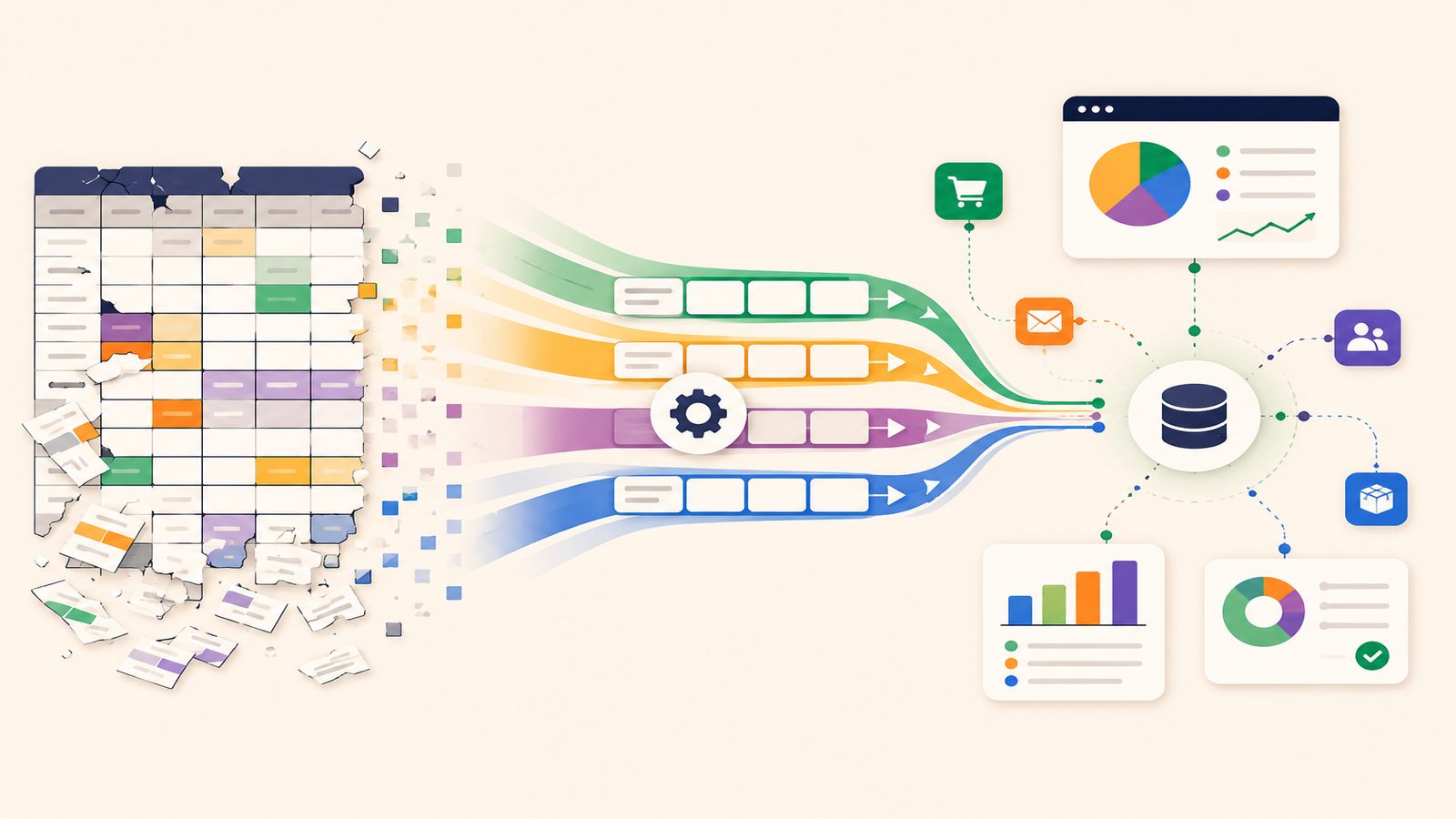
Stage three is where the spreadsheet stops being the operational system and becomes a reporting layer. The actual work, collecting data, routing tasks, sending notifications, tracking status, is handled by automated workflows. A new order updates your inventory records, creates a task for fulfilment, and confirms with the customer. A new enquiry lands in your CRM, gets an acknowledgement, and appears on the right person's to-do list. Your weekly performance report compiles itself from live data and arrives on Monday morning. The process runs the same way whether the team is at full strength or half of them are off sick.
How to Make the Move
Start with the spreadsheet that hurts most. You already know which one it is: the tracker that's always out of date, the report that takes a full day to assemble, the sheet whose last formula error cost you actual money. That's your first project.
Before you automate anything, write down what happens today. Not what should happen. What actually happens. A numbered list is fine:
- Customer places an order on your sales platform
- Confirmation email lands in the team inbox
- Someone copies the order details into the tracking spreadsheet
- Someone checks stock in a separate sheet
- If in stock, someone emails the warehouse
- If not, someone emails the supplier
- Someone updates the tracker with the status
Written out like this, the automation opportunities are obvious. Steps 2, 3 and 7 are pure data movement: no judgement required, just information going from one place to another. That is exactly what automation tools are built for.
Your first build should replace one manual step, not redesign the whole workflow. When a new order appears, automatically add a row to the tracker. One trigger, one action, perhaps 15 minutes to set up, and the copy-paste step is gone, along with its typos and delays. Once it's running reliably, add the next step, then the next, testing each piece as you go.
As the automations mature, the spreadsheet itself becomes the bottleneck. Spreadsheets are brilliant for analysis but poor databases: they handle concurrent users badly, they have row limits, and they get fragile at scale. At that point, move the core data into a proper data store, a lightweight database tool or a collaborative table product, and keep pulling it into spreadsheets for analysis whenever you like.
The final layer is reporting and alerts. Scheduled reports pull straight from live data instead of someone spending Friday afternoon compiling them. Better still are alerts: stock drops below a threshold, an enquiry sits unanswered for four hours, a deadline approaches with its task untouched. Your team stops discovering problems and starts being told about them.
Where AI Fits (and Where It Doesn't)
Honest answer: most of the move from spreadsheets to systems needs no AI at all. It's structure and rules. Moving a row of data, routing a task, sending an alert when a number crosses a threshold. These are plain "if this, then that" logic, and pretending otherwise just adds cost and complexity.
There are two places it genuinely earns its keep. The first is the migration itself. Years of manually maintained spreadsheets are full of inconsistencies: "Smith Ltd", "Smith Limited" and "J Smith" sitting as three separate customers, dates in mixed formats, duplicate rows nobody spotted. AI-based matching can reconcile that mess in hours rather than the days it would take someone scrolling through 8,000 rows.
The second is reporting. A standard automated report tells you revenue dipped 12% last week. An AI layer cross-references your data and tells you the dip came from one product going out of stock, not from falling demand. That's the difference between a number and an explanation. For everything else in this guide, ordinary automation is enough, and it's more reliable precisely because it's simple.
What This Costs
Less than you'd expect. If you already pay for a cloud productivity suite, automation features are probably included in your subscription. Dedicated automation platforms run from free tiers to roughly £10-£20 per user per month for the capability most SMBs need. Compare that with the labour it replaces: a business spending eight hours a week on manual data entry and report compilation is paying around £500 a month at typical admin rates, every month, indefinitely.
The real cost is time and attention: mapping your processes, designing the workflows, building and testing them. For an owner already stretched thin, that's the genuine barrier, not the software.
Where to Start
Keep the ambition small and the sequence strict. Pick one painful spreadsheet. Map the process behind it. Automate one step. Run it for two weeks before you trust it, then stack the next.
And don't aim for zero spreadsheets: they remain phenomenal for analysis, modelling and quick exploration. The goal is simply to stop using them as the operational backbone of the business. Analyse in spreadsheets, operate in systems.
Which Tools Can Do This?
Power Automate (included with Microsoft 365) is a natural fit if your business already runs on Microsoft tools. Make and Zapier are popular no-code platforms with thousands of pre-built connectors. Airtable and similar database tools work well as the data store that replaces the spreadsheet. AI models such as OpenAI, Claude and Gemini plug into most of these for data cleaning and report commentary, and custom API integrations cover the more complex workflows.
If you'd rather have someone design, build and look after the whole thing, that's what Fulcrum Three does. We map your processes, build the systems, and keep them running as your business grows.
Ready to move from spreadsheets to systems?
Book a Free Operations Audit →