In This Article
At 2am, your repricer chases a glitched competitor offer down to £4.87 on a product that costs you £11 to land. By the time you open Seller Central over breakfast, thirty units have sold and the week's margin has gone with them. Or you get the opposite problem: a listing deactivated as a potential pricing error, losing sales while you try to work out what you did wrong.
Both problems have the same fix, and it's sitting in your inventory settings right now. Amazon gives every seller two fields on every SKU: minimum price and maximum price. Set properly, they act as guardrails that no repricer, bulk upload or integration bug can drive you through. Most sellers either leave them blank or filled them in once, two fee changes and one cost increase ago.
This is what the fields actually do, how sellers get caught out, and how to set boundaries that protect your margins without strangling your ability to compete.
What Min and Max Pricing Actually Does
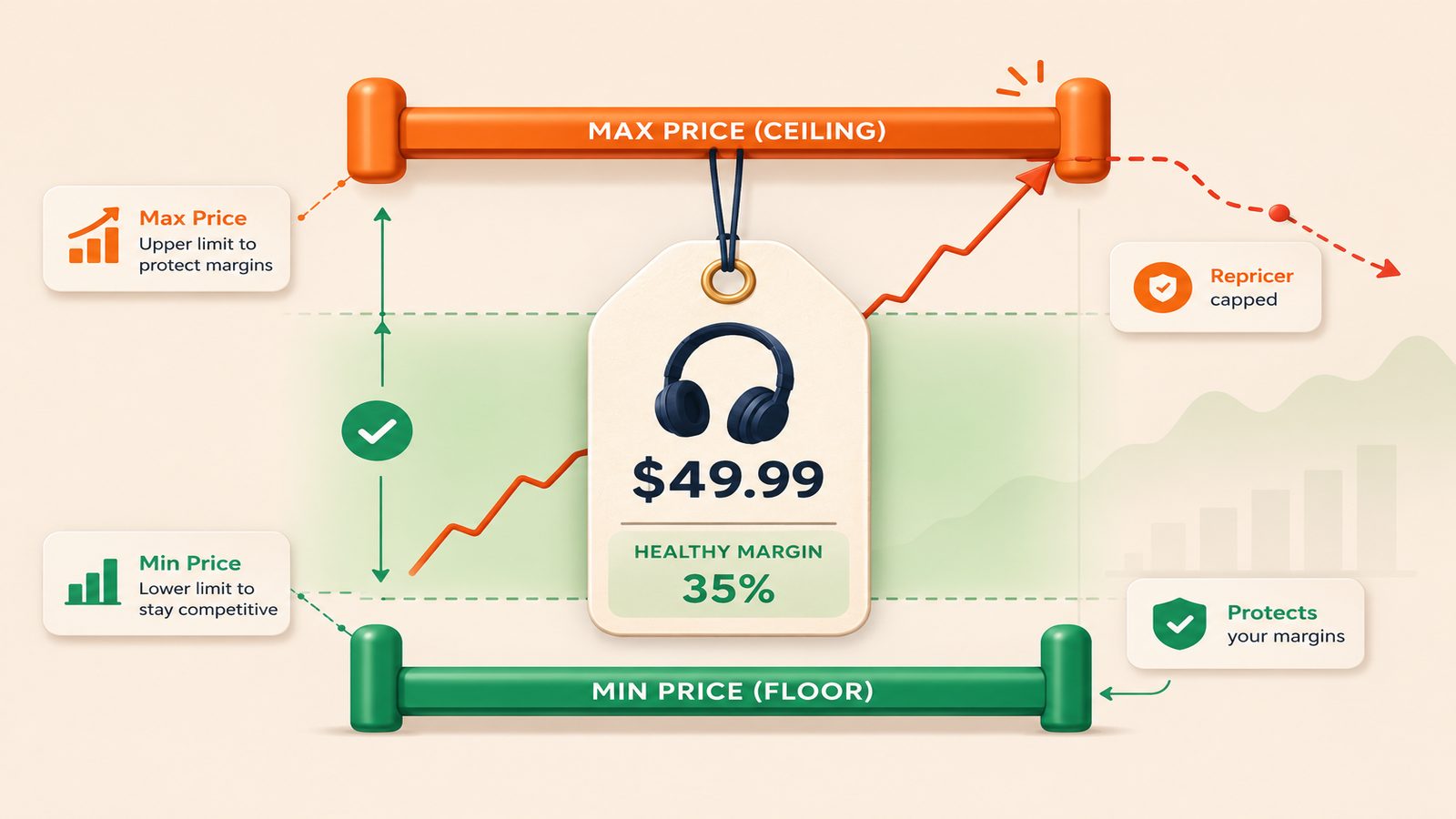
The minimum and maximum price fields sit against each SKU in Manage Inventory, and you can set them in bulk through inventory file feeds. They do two jobs.
First, Amazon uses them for its potential pricing error checks. If your offer price falls outside the bounds you've set, Amazon deactivates the offer until you fix the price or adjust the bounds. That sounds like a punishment, but it's the safety net working. The deactivation is what stops a £2.99 typo selling out an entire shipment of a £29.90 product.
Second, they act as hard limits for automated pricing. Amazon's own Automate Pricing tool and third-party repricers treat your minimum as a floor they will not cross and your maximum as a ceiling. A repricer without a sensible floor will follow a price war all the way down.
The part that catches sellers out: if you leave the fields blank, Amazon doesn't skip the check. It estimates an acceptable range itself, based on your price history and comparable offers. That's why listings sometimes get deactivated when you've deliberately run a deep discount or repriced after a cost change. You're not being judged against your numbers, you're being judged against Amazon's guess. Setting the fields yourself replaces the guess with something you control.
One related rule is worth knowing. Amazon's Marketplace Fair Pricing Policy lets it suppress offers priced significantly above recent prices for the same product, on or off Amazon. So the maximum matters too, not just the minimum.
How Pricing Goes Wrong in Practice
The mistakes that hurt sellers are rarely exotic. The most common is the bulk upload typo. You update 500 SKUs from a spreadsheet, one row says £2.99 where it should say £29.90, and the file loads without complaint. If a minimum price is set on that SKU, the offer deactivates and you lose a few hours of sales. If it isn't, you lose the stock instead. One of those is annoying. The other is expensive.
Repricer races come next. Two sellers running aggressive repricing against each other will walk a price down in steps until one of them hits a floor. If your floor is your minimum price, the walk stops at a level you chose. If you never set one, it stops when a person notices, and on a busy account that can take hours. The 2am story above is real for more sellers than would admit it.
Then there are integration bugs. Multi-channel tools that sync prices between Shopify, eBay and Amazon occasionally push the wrong channel's price, or push a figure without converting the currency. Promotions stack in ways sellers don't expect too: a sale price, a voucher and a Subscribe and Save discount can combine into a final price far below anything you intended. The minimum price check is the last line of defence against all of it.
Working Out Your Real Minimum
So what number goes in the box? Not a guess, and not your current price minus a bit.
Your minimum should be your true breakeven plus the smallest margin you're willing to accept. Take a product that retails at £24.99. Say it costs £7.40 to land in the UK including freight and duty, the FBA fulfilment fee is £3.05, and you allow another 75p per unit for returns and storage. That's £11.20 in fixed costs. The referral fee is a percentage of the sale price, typically 15%, so your breakeven is £11.20 divided by 0.85, which comes to £13.18. Sell at that price and you make nothing. Set the minimum at £14.99 and the worst any repricer or upload error can do is take you down to roughly £1.50 of margin per unit.
Two details matter here. Fees move: Amazon adjusts FBA fees at least annually and freight costs shift constantly, so a minimum calculated last year may quietly sit below your real breakeven today. And VAT: if you're VAT registered, work from the ex-VAT price or your margin maths will flatter you by 20%.
The maximum is simpler. Set it 20 to 30% above your normal selling price. It stops a repricer creeping upwards indefinitely when competition thins out, and it keeps you clear of Fair Pricing territory where a sudden spike gets the offer suppressed for being unreasonably high.
Where Automation and AI Fit
The honest answer is that min and max pricing itself needs no AI at all. It's arithmetic. The automation that matters is rule-based and unglamorous: when a supplier invoice lands with a new unit cost, or Amazon publishes a fee change, a workflow recalculates breakeven for the affected SKUs and pushes updated minimum and maximum prices through a file feed. That single loop keeps your guardrails accurate without anyone maintaining a spreadsheet, and it's the piece most sellers skip.
AI earns its place one level up, in the repricing and monitoring layer. A rule can't tell you whether a competitor's sudden 40% price drop is genuine clearance or a listing error you shouldn't follow. A model looking at that competitor's stock signals, sales velocity and price history can make a decent judgement call, and AI-driven repricers use exactly these signals to decide when to compete and when to hold. The same applies to your own catalogue. If a SKU keeps bouncing off its minimum price week after week, that pattern is worth surfacing, because it usually means either your floor is wrong or the product no longer works at your cost base. Anomaly detection across hundreds of SKUs is genuinely an AI job. The guardrails themselves are just good arithmetic.
Before You Touch the Settings
Start with your top 50 SKUs by revenue and get true landed costs for each, including current FBA fees rather than the ones you remember. Calculate breakeven properly, decide your margin floor, and set minimum and maximum prices on all of them, including products you don't reprice. Errors don't limit themselves to SKUs with repricers attached.
Then put a recurring review in the calendar. Quarterly is enough, plus whenever Amazon announces a fee change. A guardrail based on stale numbers is worse than none, because it feels like protection.
Which Tools Can Do This?
Repricers such as BQool, Aura and Repricer.com support minimum and maximum price rules out of the box, and Amazon's free Automate Pricing tool respects the same fields. For keeping the numbers behind those rules current, Power Automate (part of Microsoft 365), Make and Zapier can recalculate costs and push price feeds on a schedule. AI models like OpenAI, Claude and Gemini handle the anomaly detection and competitor analysis side, and custom builds on Amazon's SP-API cover more complex setups.
If you'd rather have someone work out the numbers, set the guardrails and keep them current as fees and costs move, that's what Fulcrum Three does as part of our managed operations service.
See where your margins are exposed and get your pricing guardrails set properly.
Book a Free Operations Audit →